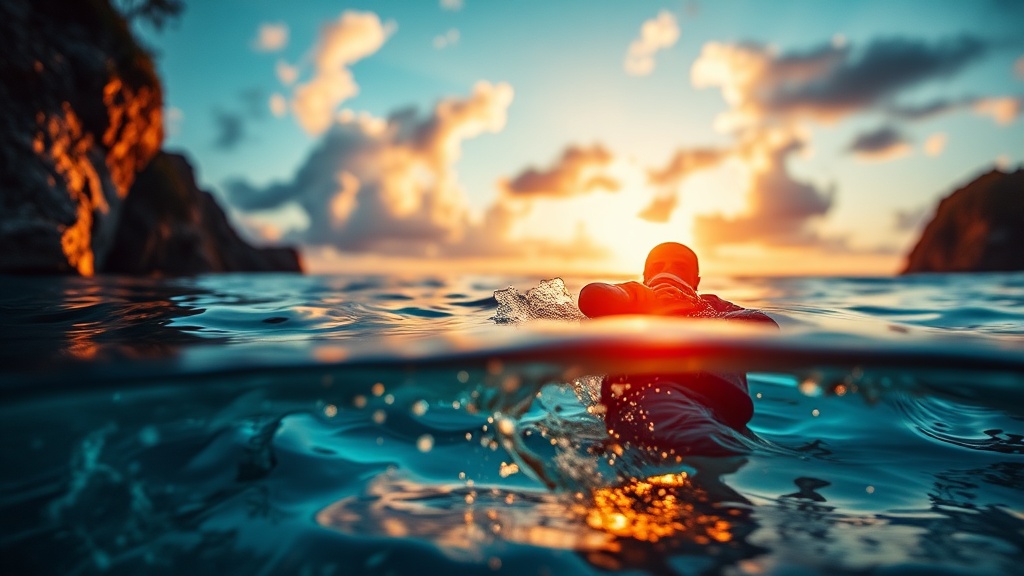
Why You Need a Waterproof Camera for Your Next Island Trip

Are you tired of looking back at your vacation photos only to realize the most beautiful moments—the sea turtles, the coral reefs, or the sunset boat rides—are blurry or completely missing because your phone couldn't handle the water? A waterproof camera is an essential piece of gear for any island itinerary because it captures high-quality footage in environments where standard electronics fail. This guide covers why investing in dedicated waterproof gear is superior to using a smartphone, the specific types of cameras you should consider, and how to maintain your equipment after a trip to the tropics.
The Limitations of Smartphone Photography Underwater
While modern smartphones like the iPhone 15 Pro or the Samsung Galaxy S24 have incredible cameras, they are not designed for the high-pressure, high-salinity environments found in the ocean. Most "water-resistant" phones are rated with an IP68 rating, which technically means they can handle brief submersion in fresh water, but this is a significant distinction from being truly waterproof. Saltwater is highly corrosive and can eat through the rubber seals of a phone much faster than fresh water. Furthermore, the pressure of even a few feet of water can compromise the internal seals of a device that isn't built for depth.
When you use a smartphone for snorkeling or even just a quick dip in the ocean, you are risking a permanent hardware failure. Even if you use a waterproof pouch, the touchscreen functionality often fails once the device is wet, making it nearly impossible to snap a quick shot of a passing manta ray or a colorful reef. A dedicated waterproof camera, such as a GoPro Hero 12 or a DJI Osmo Action 4, is engineered with specialized housings and buttons that allow you to operate the device even when your hands are wet or you are wearing gloves.
Protecting Your Most Expensive Tech
Beyond the technical limitations, there is the practical reality of travel insurance and replacement costs. If you are exploring hidden beach towns in Southeast Asia, you may find yourself in remote areas where a broken phone means more than just a lost camera—it means losing your GPS, your banking apps, and your primary way to communicate. By using a rugged, waterproof camera for your water activities, you keep your expensive smartphone safely tucked away in a dry bag, ensuring your primary device remains functional for navigation and emergencies.
Types of Waterproof Cameras for Different Travel Styles
Not every traveler needs a professional-grade underwater rig. Depending on whether you are a casual beachgoer or an avid diver, your gear requirements will change significantly. Here are the three main categories of waterproof cameras you should consider for your next tropical getaway.
Action Cameras
Action cameras are the gold standard for travelers who want to document active adventures. These devices are compact, incredibly durable, and designed to be mounted on various surfaces. They are ideal for capturing high-frame-rate video of surfing in Bali or snorkeling in the Maldives.
- Best for: Surfing, snorkeling, paddleboarding, and high-intensity movement.
- Top Models: GoPro HERO series, DJI Osmo Action, and Insta360 Ace Pro.
- Key Feature: Most action cameras feature advanced electronic image stabilization (EIS), which is crucial when you are moving through choppy waves or riding in a boat.
Compact Waterproof Point-and-Shoot Cameras
If you prefer high-quality still photography over video, a waterproof compact camera is a better investment. These cameras often have larger sensors than action cameras, providing better depth of field and better performance in low-light conditions, such as during a sunset cruise or a night snorkel.
- Best for: High-quality travel photography, sunset shots, and shallow water excursions.
- Top Models: Olympus Tough TG-6 or TG-7.
- Key Feature: These models often include macro modes, which are essential for capturing the intricate details of tropical flora or small sea creatures like nudibranchs.
Underwater Camera Housings for DSLR/Mirrorless
For the serious enthusiast or professional, a standard camera can be converted into a professional underwater rig using a specialized housing. This allows you to use the full power of your high-end lens and sensor while remaining protected from the elements.
- Best for: Professional videography, macro photography, and deep-sea diving.
- Key Feature: These housings allow for manual control over aperture, shutter speed, and ISO, which is necessary for managing the intense light changes found underwater.
Essential Accessories for Island Photography
Buying the camera is only the first step. To truly capture the essence of a tropical destination, you need the right accessories to manage light and visibility. Water acts as a massive filter, absorbing red light first and making everything look blue or green. Without the right tools, your photos will look washed out and monochromatic.
- Red Filters: If you are using a compact camera, a red filter is essential for restoring color balance in deeper water. It compensates for the loss of red light, making coral reefs look vibrant rather than dull.
- Floating Hand Grips: There is nothing more stressful than seeing your camera sink to the bottom of a lagoon. A floating handle or a buoyant strap ensures that if you drop your camera, it stays on the surface where you can grab it.
- External Lighting/Strobes: For high-quality underwater shots, especially in darker areas or during a bioluminescent bay snorkel, an external light source is vital. A simple video light can bring out the true colors of the sand and sea life.
- Microfiber Cloths: Salt spray and water droplets on your lens are the enemies of clarity. Always keep a high-quality microfiber cloth in your gear bag to wipe down the lens before every shot.
Maintenance and Care After Saltwater Exposure
The most common mistake travelers make is throwing their waterproof camera back into their backpack as soon as they get back to the hotel. Salt is a silent killer of electronics. If salt crystals are allowed to dry on the buttons, seals, or charging ports, they can cause permanent damage or prevent the device from being watertight in the future.
Follow this strict maintenance routine after every beach day or boat excursion:
1. The Fresh Water Rinse
Before you even leave the beach, rinse your camera thoroughly with fresh water. If you are using a GoPro or an action camera, use a water bottle to spray down the casing and the buttons. This removes the abrasive salt crystals before they have a chance to dry and harden.
2. Inspect the Seals
If your camera uses a removable battery door or a separate waterproof housing, open it up once you are in a controlled environment (like your hotel room or a freshwater sink). Check the rubber O-rings for any hair, sand, or debris. A single grain of sand can break the seal and allow water to enter during your next excursion.
3. Drying and Storage
Never store a damp camera in a closed, airtight bag. This can lead to mold and mildew growth on the lens. Instead, lay the camera out in a well-ventilated area. If you are traveling in a humid tropical climate, consider using silica gel packets in your camera bag to absorb excess moisture and prevent condensation from forming inside the lens.
Final Expert Tips for Tropical Photography
To get the most out of your new gear, remember that lighting is everything. The best time for underwater photography is usually between 10:00 AM and 2:00 PM when the sun is directly overhead. This minimizes the amount of light absorbed by the water and provides the best visibility for snorkeling. If you are shooting at the surface, try to keep the camera at a slight angle to avoid heavy reflections from the sun.
Lastly, always check your battery levels before heading out on a boat or a long snorkeling trip. Action cameras tend to drain batteries quickly when shooting in high-resolution 4K video. Always carry at least one spare battery and a waterproof power bank to ensure you don't miss the highlight of your trip because of a dead device.